How to Reduce Video Size on iPhone
If your iPhone storage is full due to heavy 4K camera recordings, here is how you can quickly shrink them without losing video quality.
Quick Answer
To reduce video size on your iPhone, the easiest and safest method is using a secure, on-device compressor app like Compress. Because iPhones capture videos in high-quality 4K or 1080p, files can quickly reach hundreds of megabytes. With Compress, you can select these heavy videos and shrink them directly on your device. Another option is going to Settings > Camera > Formats and choosing 'High Efficiency' to capture smaller HEVC files, or using Apple's iMovie app. However, for existing videos, an on-device compressor is the quickest way.
Simple Process
3 Steps to Shrink iPhone Videos
Reclaim your gigabytes of storage space in less than a minute.
Choose Videos
Open the Compress app and pick the large video files from your library. You can select one file or process a bunch in batch mode.
Adjust Settings
Select one of the quick presets (like the 80% quality sweet spot) or manually adjust resolution and bitrate to hit your target size.
Save the File
Tap the compress button. The app encodes the file locally. Save the new, smaller video or replace the original file.
App Preview
Visual Guide
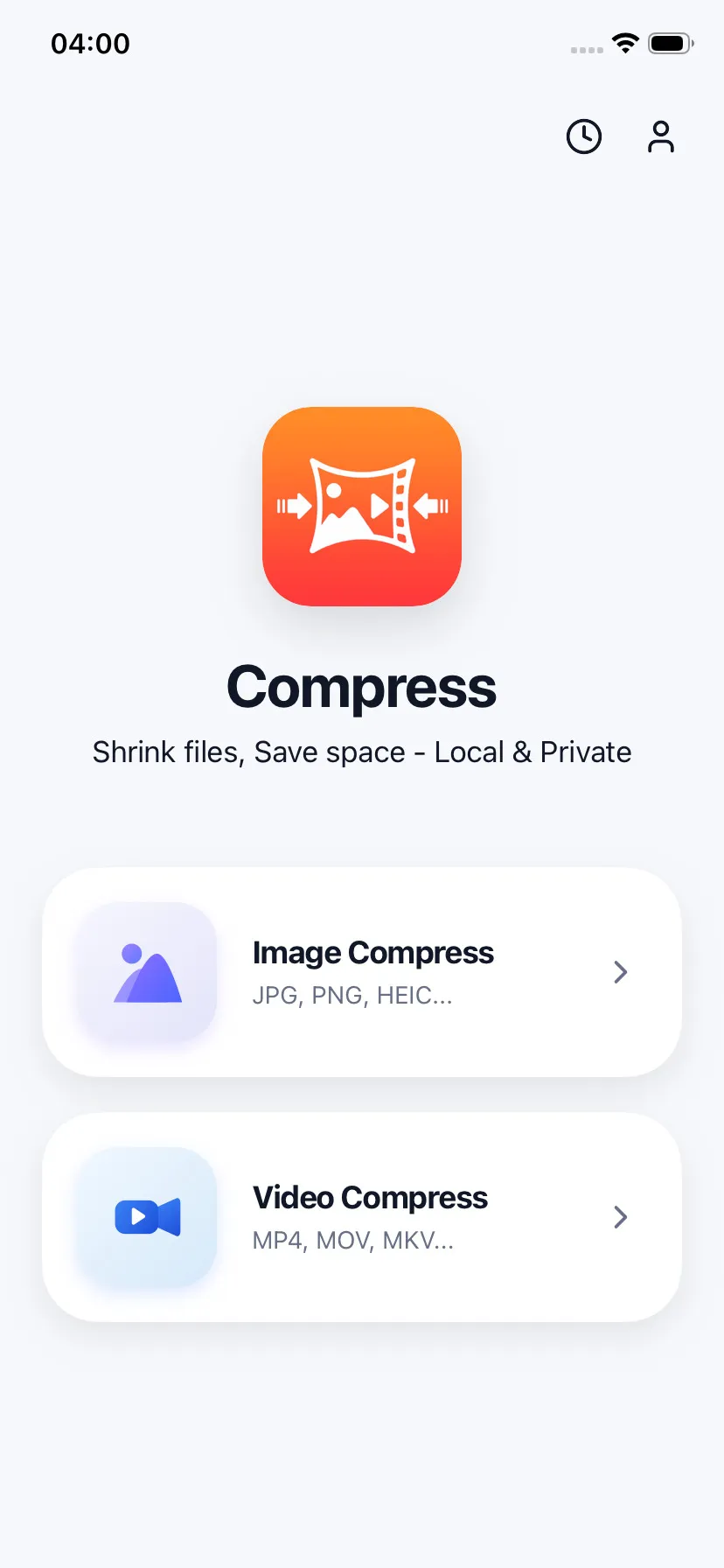
Pick videos directly from your library
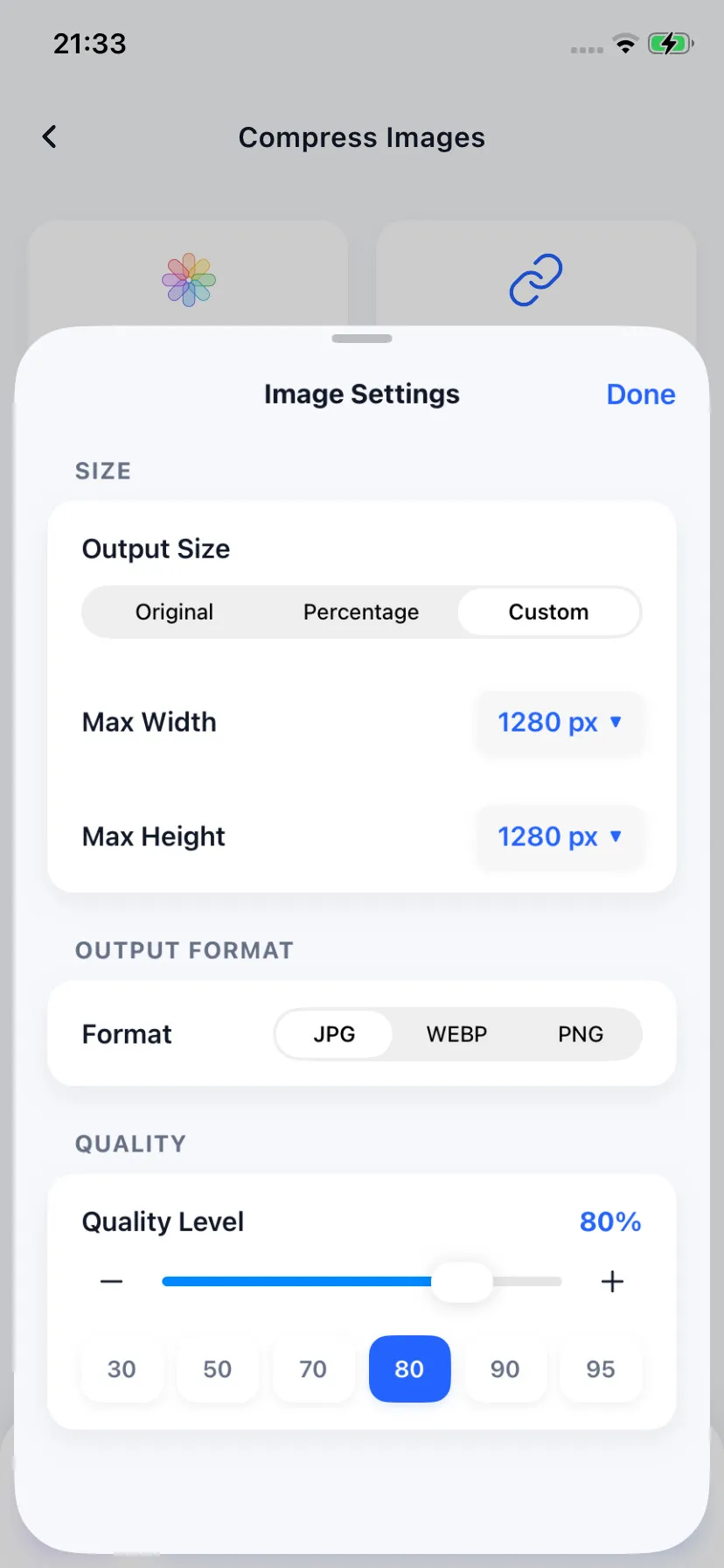
Adjust quality presets easily
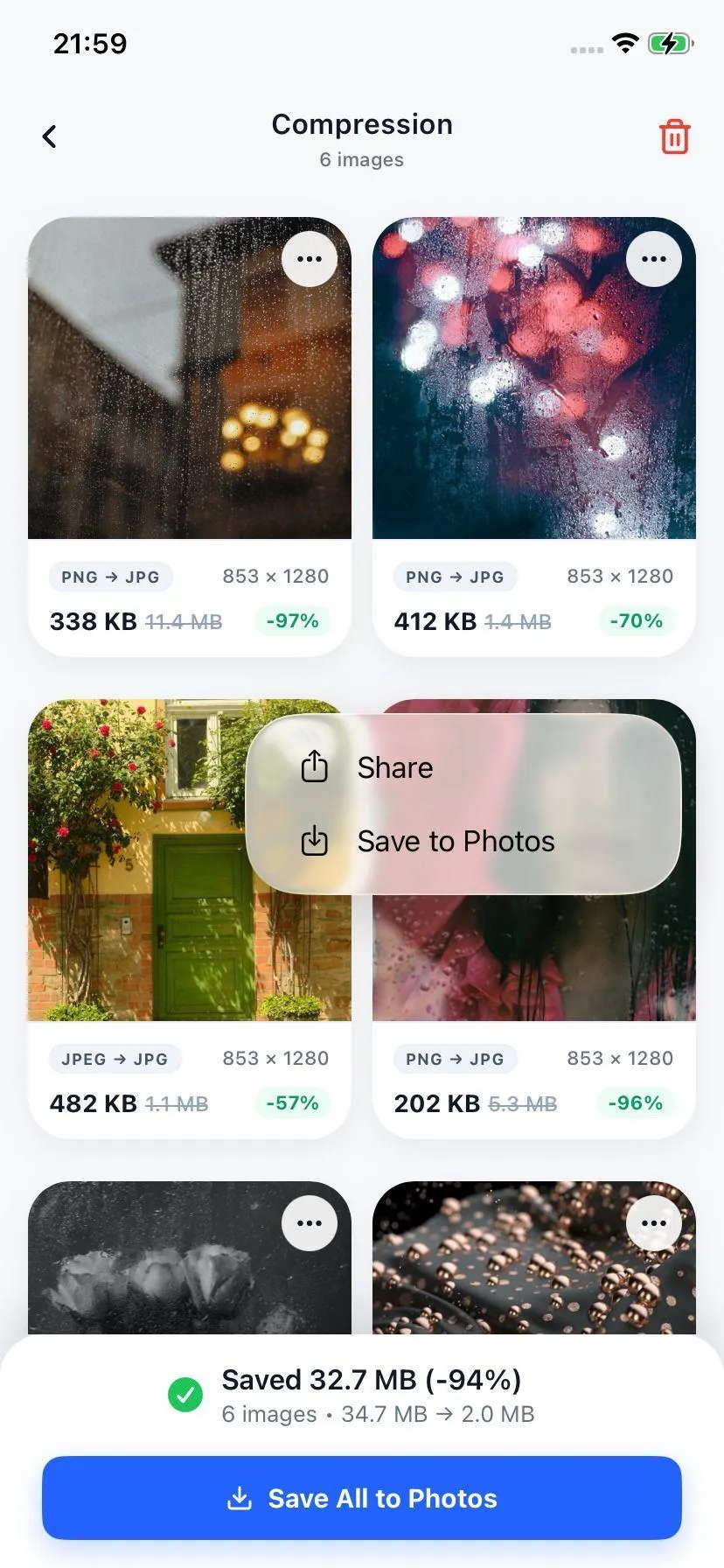
Compare sizes and save space
Specifications
Supported Formats & Codecs
| Media Type | Supported Formats | Codecs Supported |
|---|---|---|
| Videos | MP4, MOV, M4V | H.264 (AVC), H.265 (HEVC) |
| Images | HEIC, JPEG, JPG, PNG, WebP | Optimized raster formats |
Your Files Stay on Your Device
We care about your privacy. Unlike other video compressors, Compress does not upload your files to external servers. The entire compression is done offline, locally inside your iPhone's secure sandbox.
FAQ
Common Questions
Does reducing video size on my iPhone lower the video quality?
Will compressing a video delete my original recording?
How can I change my iPhone settings to record smaller videos?

Ready to compress your media?
Download Compress for free on iOS and Android. Reclaim storage space and speed up sharing with secure on-device optimization.