How to Compress Videos on Android Offline
Need to reduce video file sizes on your Android phone without wasting mobile data or relying on internet connections? Here is the local solution.
Quick Answer
To compress videos on Android offline, you need a local compression app that processes files directly on your device's hardware, rather than uploading them to a remote web server. The Compress app for Android operates completely offline, using your phone's native hardware encoder to shrink heavy MP4 or MKV videos by up to 90%. Simply import your video, adjust the quality or resolution presets, and run the compression. This is ideal for saving mobile data, protecting your private clips, and reclaiming storage space when you do not have an internet connection.
Simple Process
3 Steps to Compress Videos Offline
No registration, no uploads, and no data charges.
Import Offline Videos
Open the Compress app on your Android. Select any offline MP4 or MKV recordings from your gallery.
Choose Encoding Presets
Select standard MP4 output with H.264 or H.265. Choose a compression profile or tune the quality to change file size.
Encode Offline
Tap "Compress". The app uses Android hardware APIs to process files offline. Save directly to your Android Gallery.
App Preview
Visual Guide
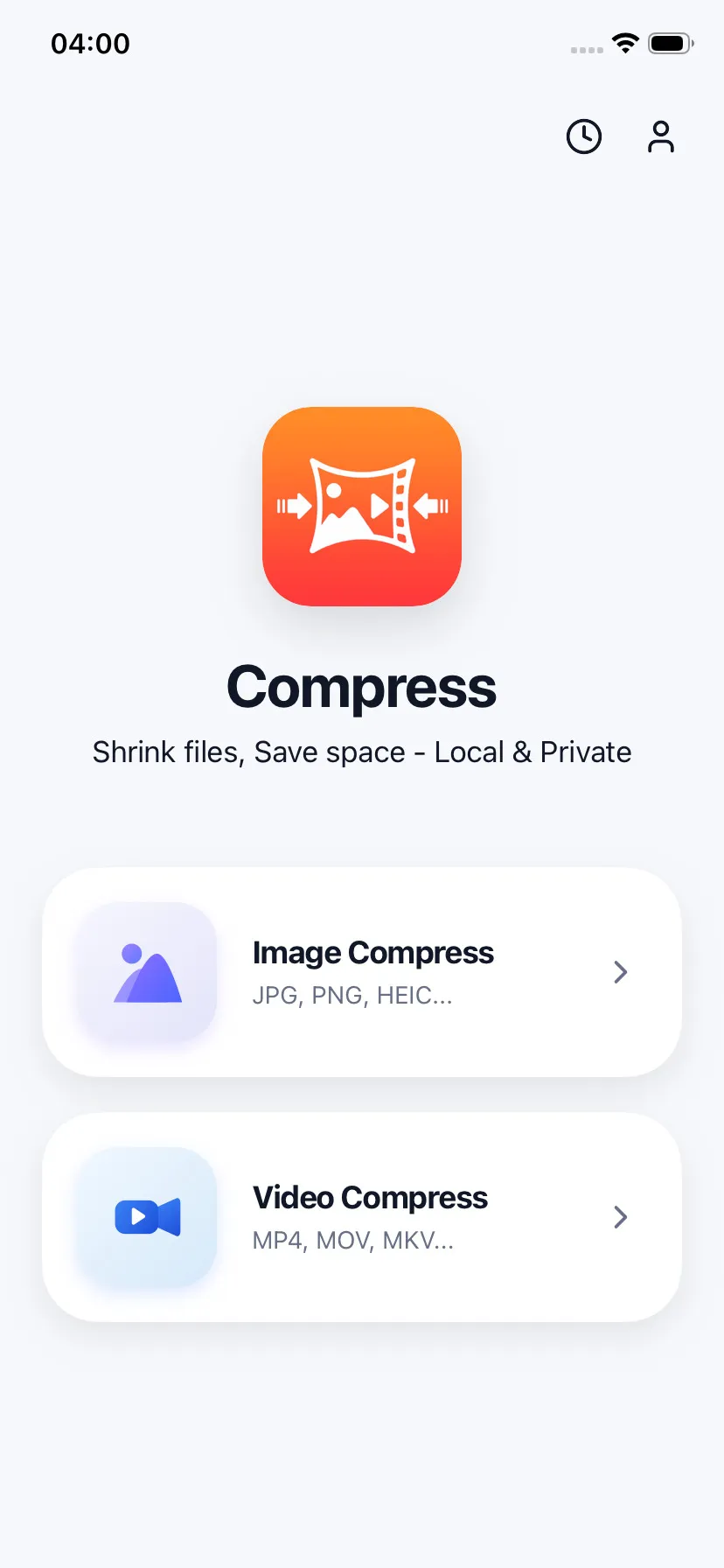
Select offline videos from your device
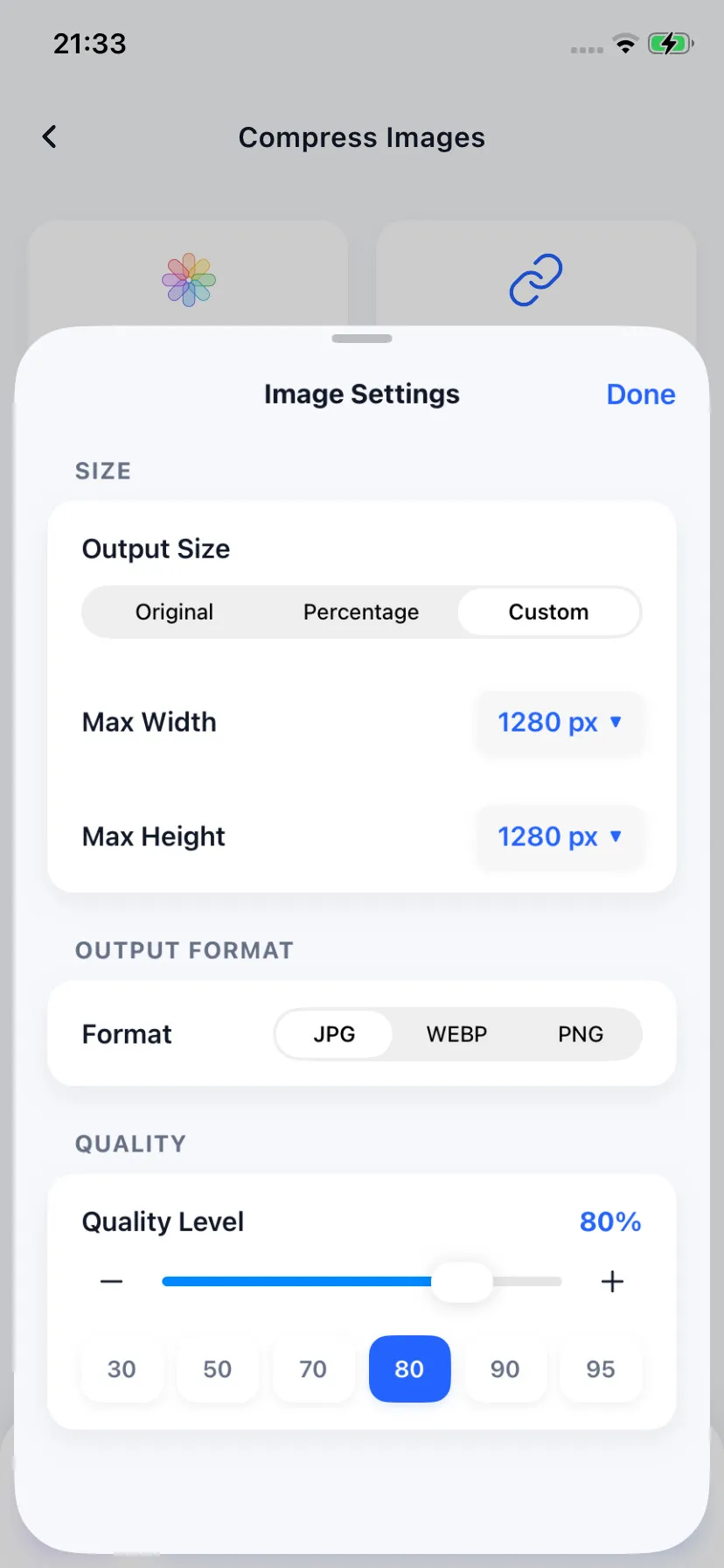
Configure resolution and quality
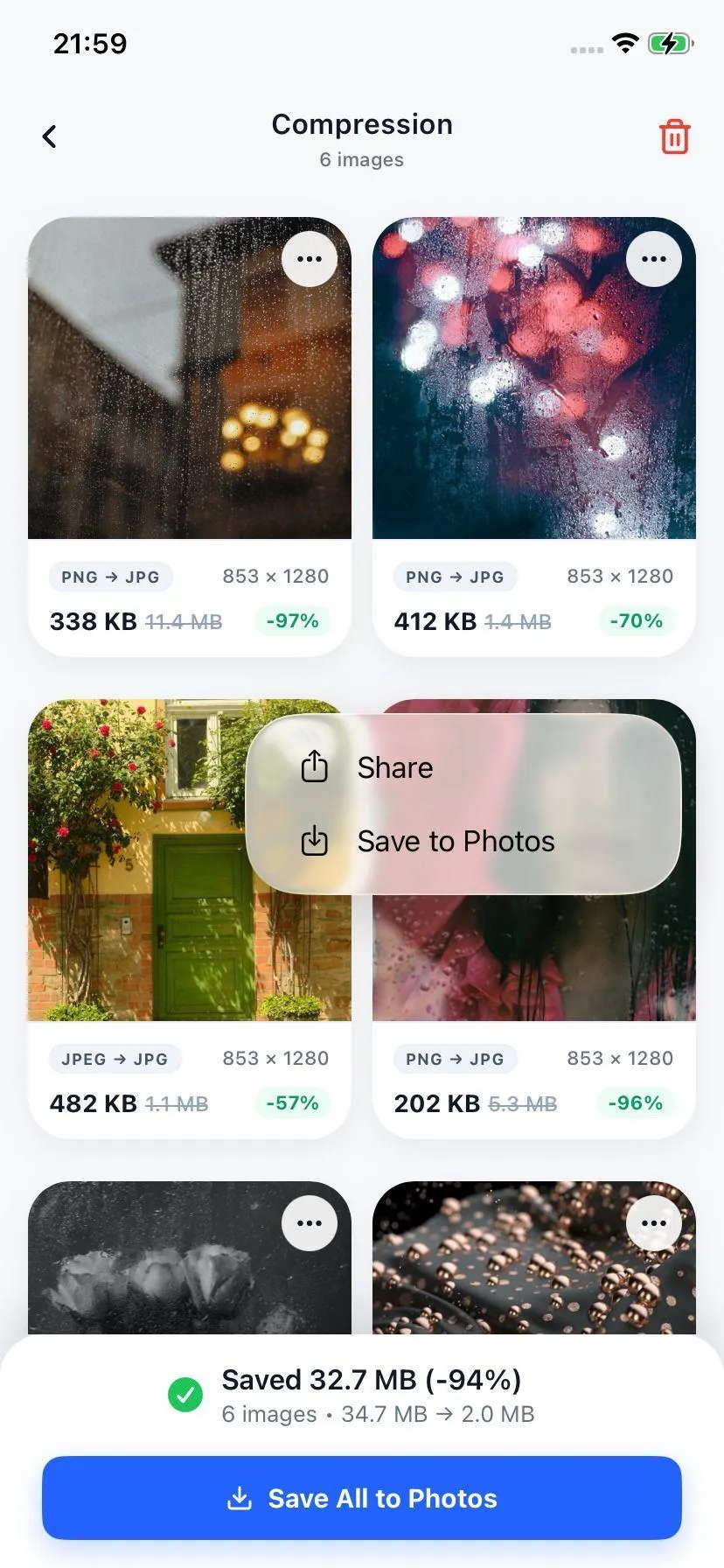
Fast local compression result
Specifications
Android Media Compatibility
| Supported Inputs | Standard Outputs | Supported Codecs |
|---|---|---|
| MP4, MKV, 3GP, AVI, WebM | MP4 (.mp4) | H.264 (AVC) / H.265 (HEVC) |
Your Files Stay on Your Device
We respect your privacy. The Android Compress app encodes files in your local device sandbox. No files ever leave your device, meaning you can safely compress personal, work, and medical videos without cloud leakage risks.
FAQ
Common Questions
Do I need a Wi-Fi or cellular connection to compress videos on Android?
Will offline video compression drain my Android battery?
Which video extensions are supported on Android?

Ready to compress your media?
Download Compress for free on iOS and Android. Reclaim storage space and speed up sharing with secure on-device optimization.