How to Reduce Photo Size from MB to KB
Trying to upload a photo to a job portal or official application but getting blocked by a maximum size limit? Here is how to shrink it.
Quick Answer
To reduce photo size from megabytes (MB) to kilobytes (KB) for online applications, government portals, or resume uploads, you can use the secure Compress app on your phone. Just import your image, choose the JPEG or WebP output format, and adjust the quality or resolution sliders. The app features a live file size calculator, letting you see the exact size in KB in real-time as you tweak the settings. This ensures you shrink the photo safely under target thresholds (such as 200KB or 500KB) before saving.
Simple Process
3 Steps to Shrink Photos to KB
Adjust settings and verify outputs in real-time.
Choose the Photo
Open the Compress app and pick the photo you need to compress. It can be a camera shot, a document scan, or a screenshot.
Drag Sliders below KB Limit
Set the format to JPEG. Drag the quality percentage or change the pixel dimensions while watching the estimated KB file size.
Compress & Reclaim
Tap "Compress". The app shrinks the file offline in less than a second. Save it directly to your photos and upload to your portal.
App Preview
Visual Guide
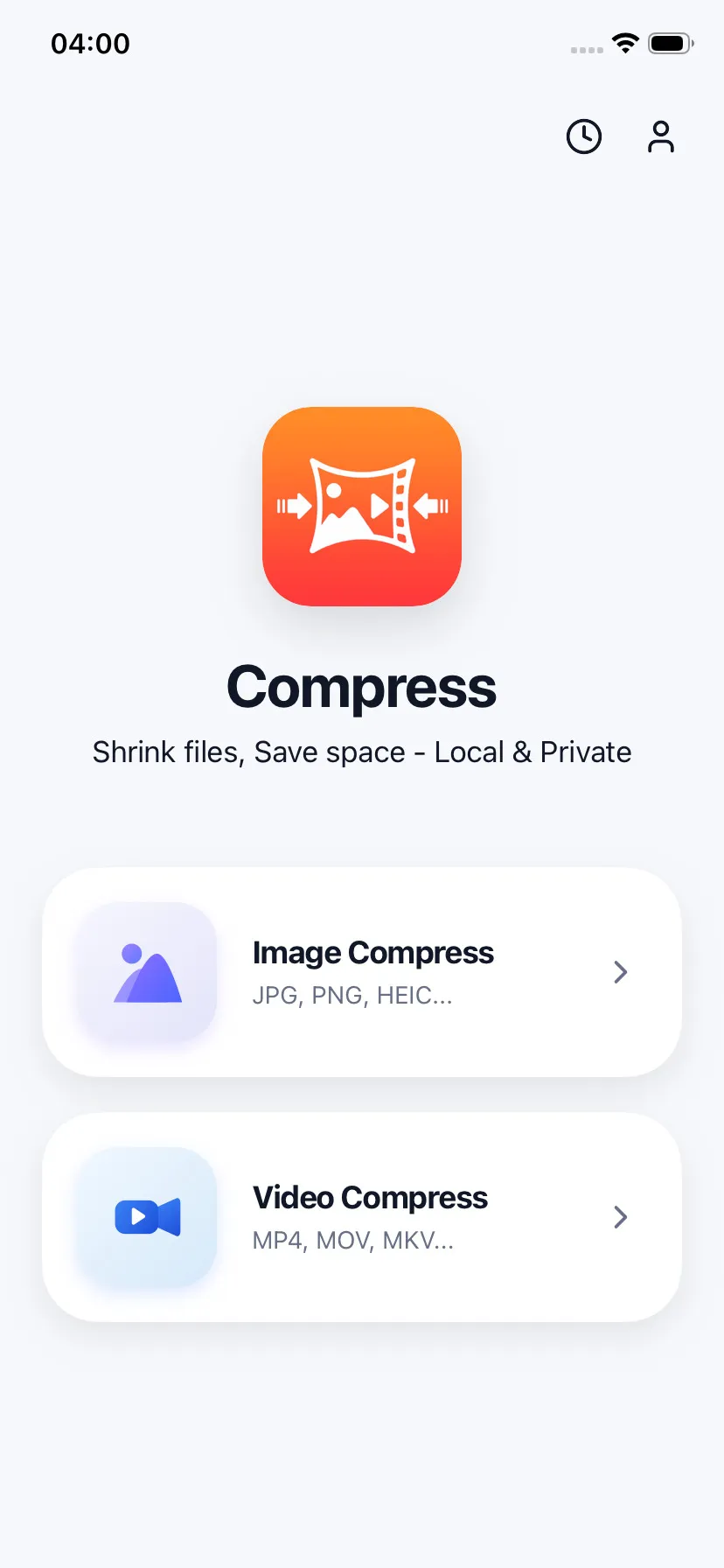
Import images or documents to shrink
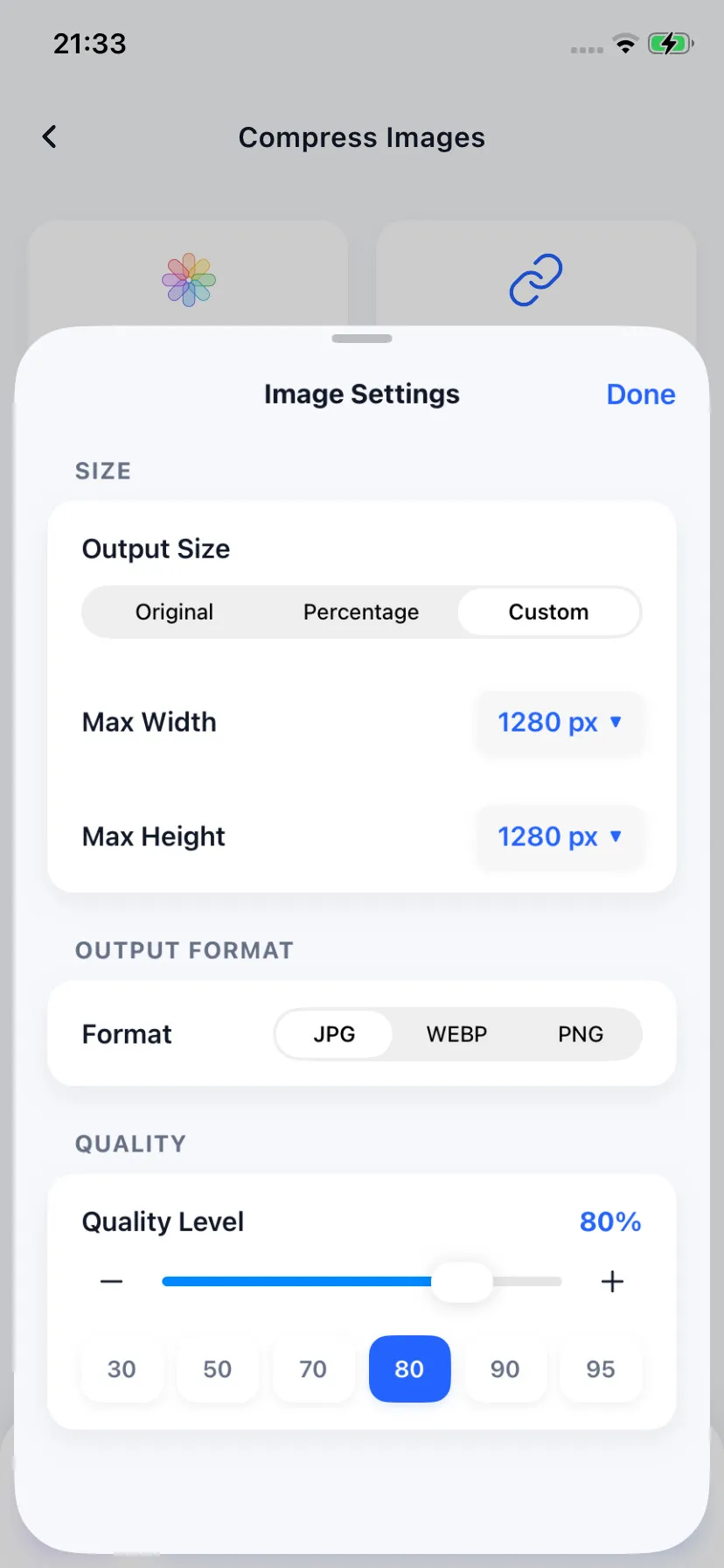
Tune compression quality and scale
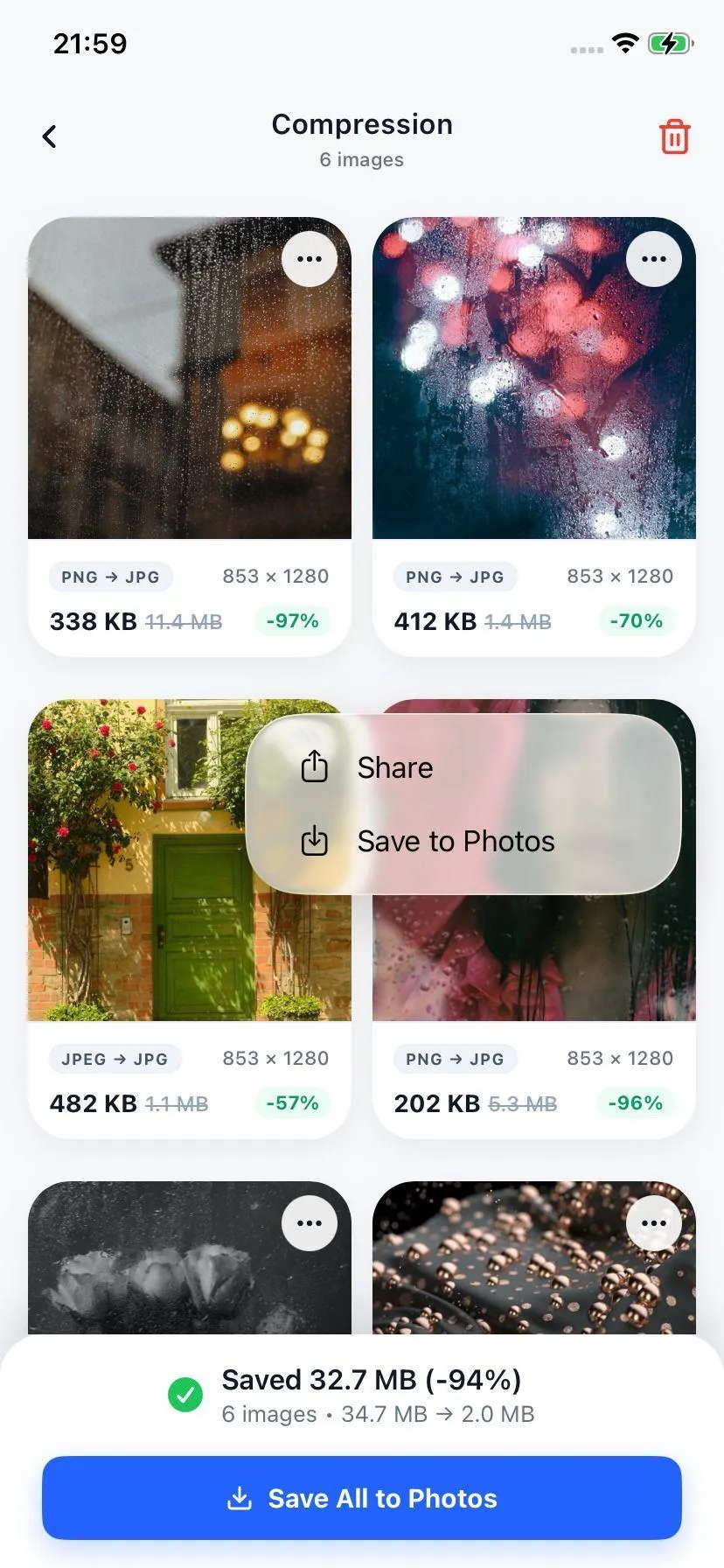
Instantly download KB-optimized file
Specifications
Image Formats Supported
| Input Format | Supported Output | Average KB File Size |
|---|---|---|
| JPEG, JPG, PNG, HEIC, WebP | JPEG (.jpg) or WebP (.webp) | 100KB - 500KB (Configurable) |
Your Files Stay on Your Device
We understand you may be compressing sensitive documents like passports or certificates. The Compress app executes all transformations locally on your phone without utilizing internet servers, guaranteeing 100% data confidentiality.
FAQ
Common Questions
How can I check the output size of my photo before saving it?
What is the best format to shrink image files to KB?
Will the text on my documents still be readable if I compress them to KB?

Ready to compress your media?
Download Compress for free on iOS and Android. Reclaim storage space and speed up sharing with secure on-device optimization.