How to Free Up iPhone Storage Without Deleting Photos
Is your iPhone constantly telling you storage is almost full? Here is how to reclaim gigabytes of space while keeping every photo on your phone.
Quick Answer
If your iPhone displays a 'Storage Full' warning but you cannot bear to delete your personal pictures, you do not have to. The most efficient way to reclaim space is compressing your existing heavy photos and videos using the secure Compress app. This shrinks media files by up to 90% while keeping their original dimensions and details on-device. Other helpful methods include enabling 'Optimize iPhone Storage' in iCloud settings, offloading unused apps, or moving files to a PC. However, offline compression keeps all photos fully accessible directly on your iPhone.
Simple Process
3 Steps to Compress and Free Up Space
Compress files locally without deleting a single photo.
Choose Media
Open the Compress app and select the largest photos or video recordings in your camera roll (videos are usually the biggest storage hog).
Compress Files
Choose the default 80% compression preset, which shrinks files by up to 90% while keeping visual details perfectly intact.
Replace Original
Tap compress. The app encodes files on-device. Choose "Replace Original" to delete the heavy file and save the light one instantly.
App Preview
Visual Guide
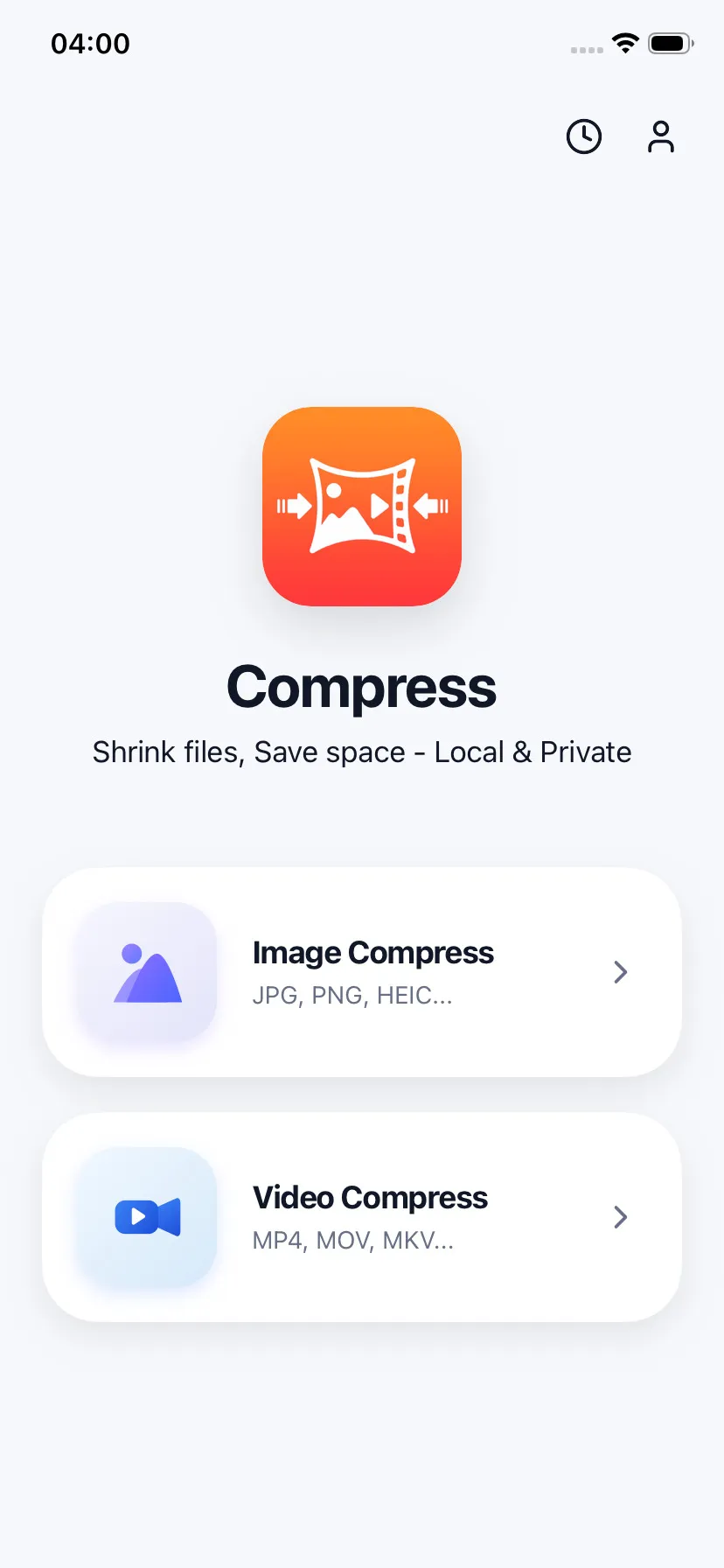
Batch-select largest media from library
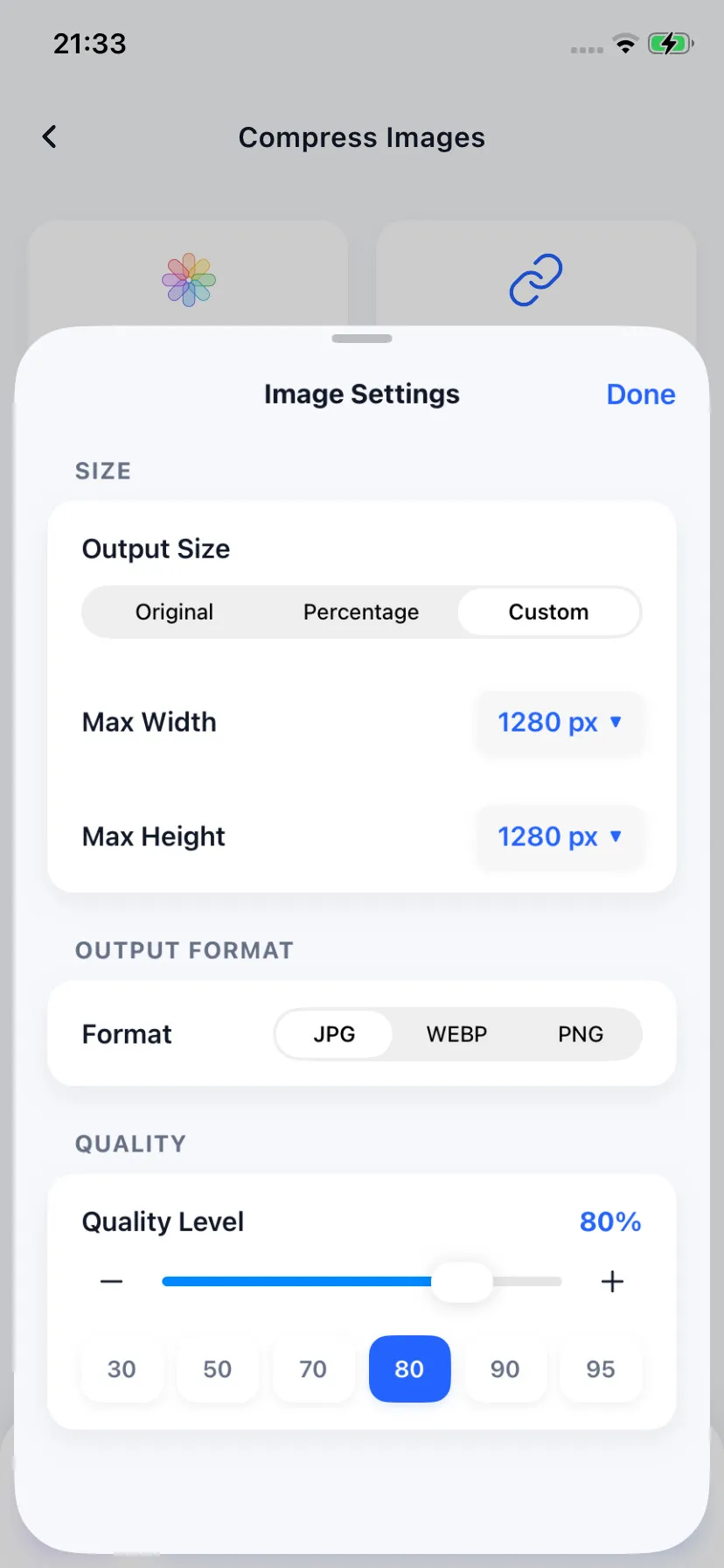
Choose compression profiles & presets
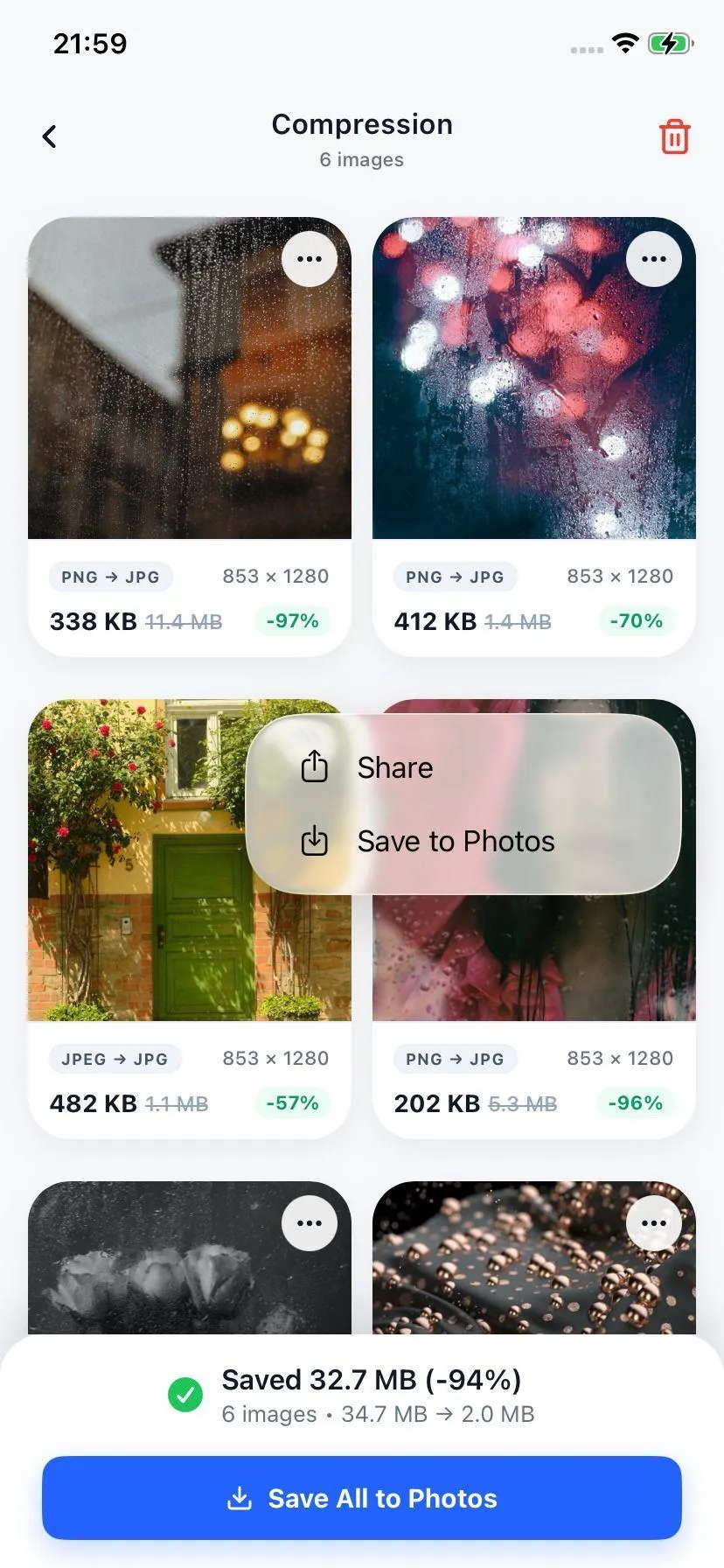
Replace heavy originals to free space
Specifications
Supported Media Formats
| File Type | Formats Supported | Size Savings |
|---|---|---|
| Videos (MP4, MOV, M4V) | AVC / H.264, HEVC / H.265 | Up to 90% (Average 80%) |
| Photos (HEIC, JPEG, PNG, WebP) | Optimized output (JPEG/WebP) | Up to 95% (Average 85%) |
Your Files Stay on Your Device
Free up device space without sending anything to the cloud. Compress operates locally under your own control, allowing you to reclaim gigabytes of storage even on an airplane or when you do not have cellular service.
FAQ
Common Questions
How much space can I actually save by compressing iPhone photos and videos?
What is the 'Optimize iPhone Storage' setting in iOS?
Is local compression safer than iCloud?

Ready to compress your media?
Download Compress for free on iOS and Android. Reclaim storage space and speed up sharing with secure on-device optimization.