How to Compress Photos for Email
Need to email a batch of high-resolution photos but facing size limit rejections? Here is how to shrink them down safely.
Quick Answer
Email providers like Gmail and Outlook restrict attachment sizes to 20MB or 25MB, making it hard to send multiple high-res photos. To compress photos for email, you can use the secure Compress app on your phone. Just import your pictures, choose the universal JPEG or WebP format, and adjust the quality preset (80% quality shrinks files by up to 90% without visible differences). This shrinks several megabytes (MB) down to a few hundred kilobytes (KB), allowing you to attach and send dozens of photos in a single email.
Simple Process
3 Steps to Shrink Photos for Email
Batch-process hundreds of photos locally on your phone.
Select Photos
Open the Compress app. Select the heavy JPEG, PNG, or HEIC camera shots you wish to email from your photo library.
Select JPEG & Quality
Choose output format as JPEG (which is universal) and adjust the quality slider to 80% to achieve the best size savings.
Compress & Attach
Tap "Compress". In just a few seconds, the app converts them. Tap share to attach the smaller JPEGs directly to Gmail or Mail.
App Preview
Visual Guide
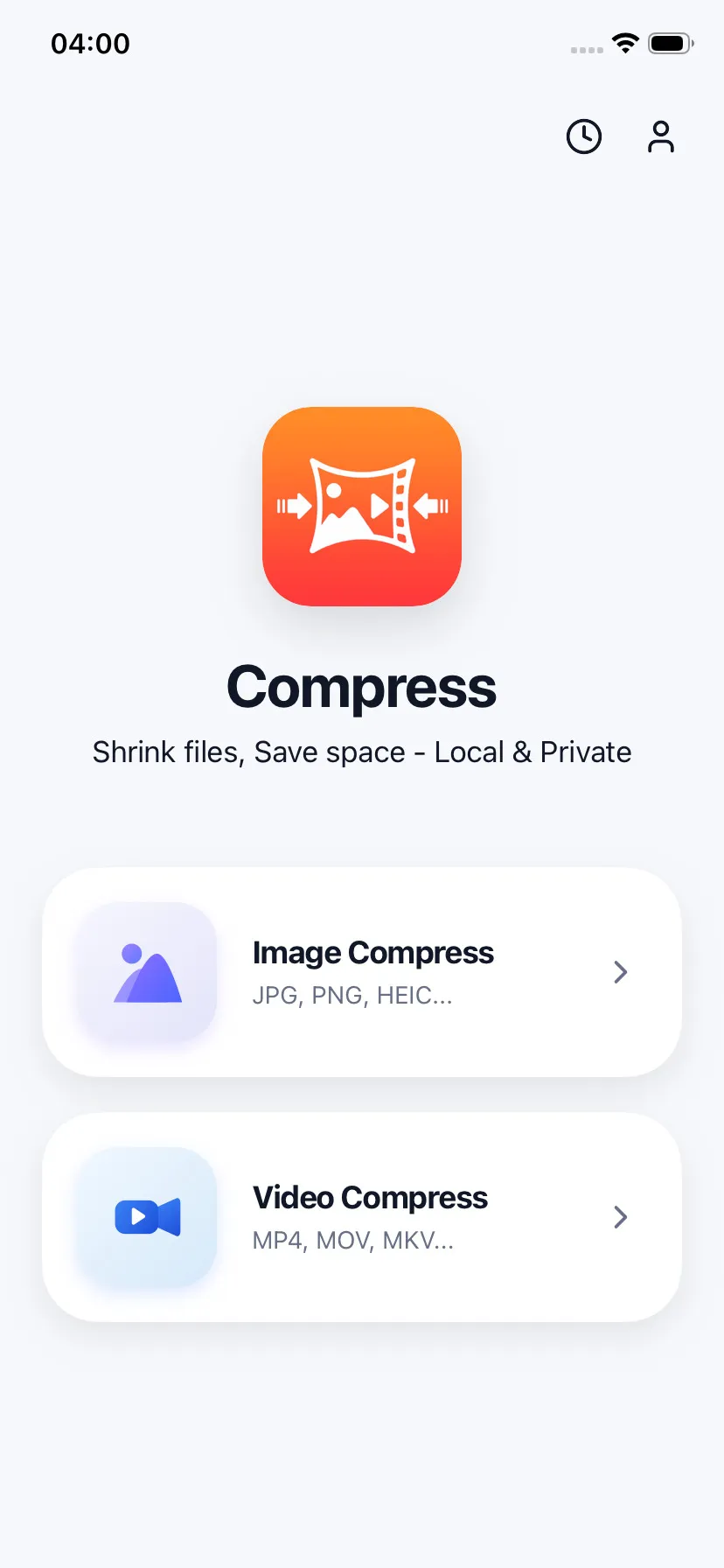
Batch-select photos from library
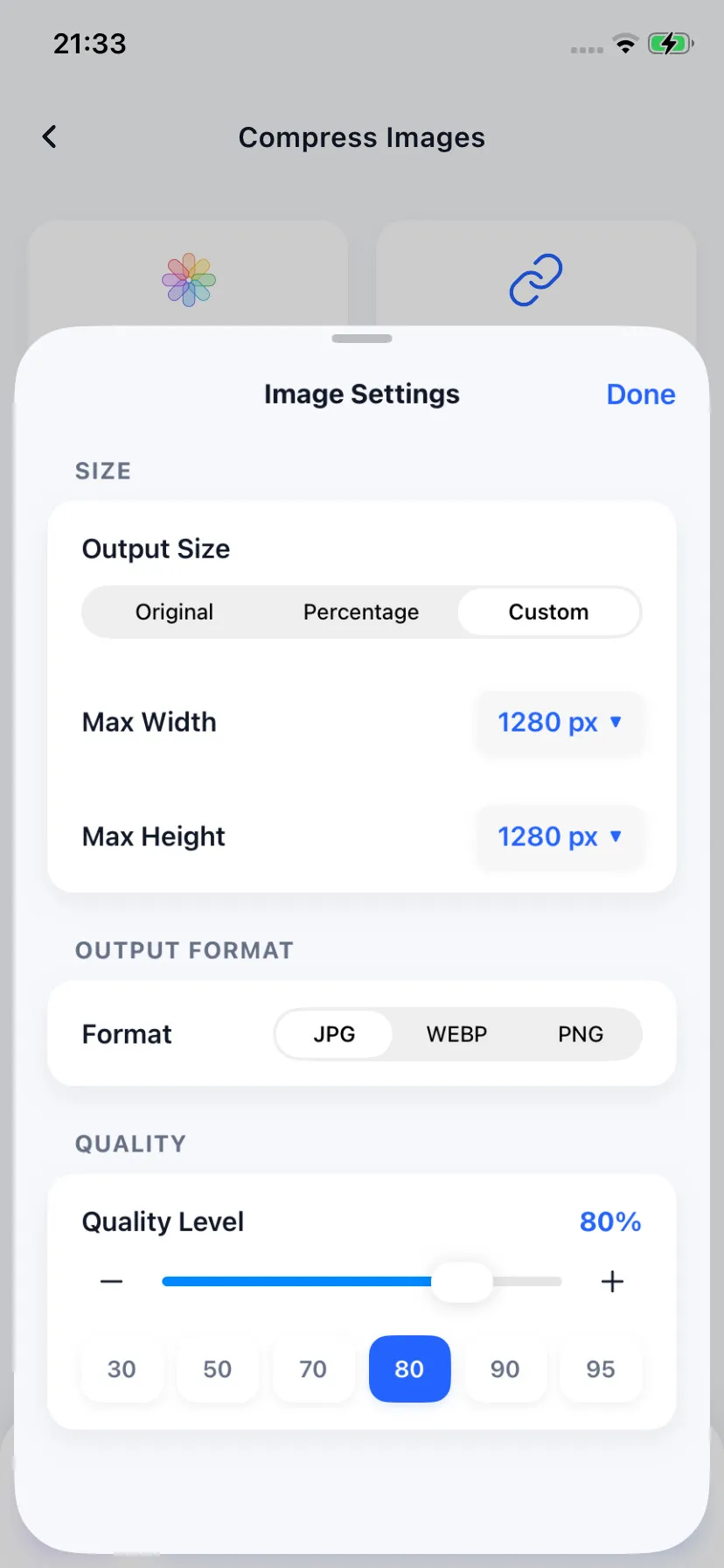
Choose format and quality preset
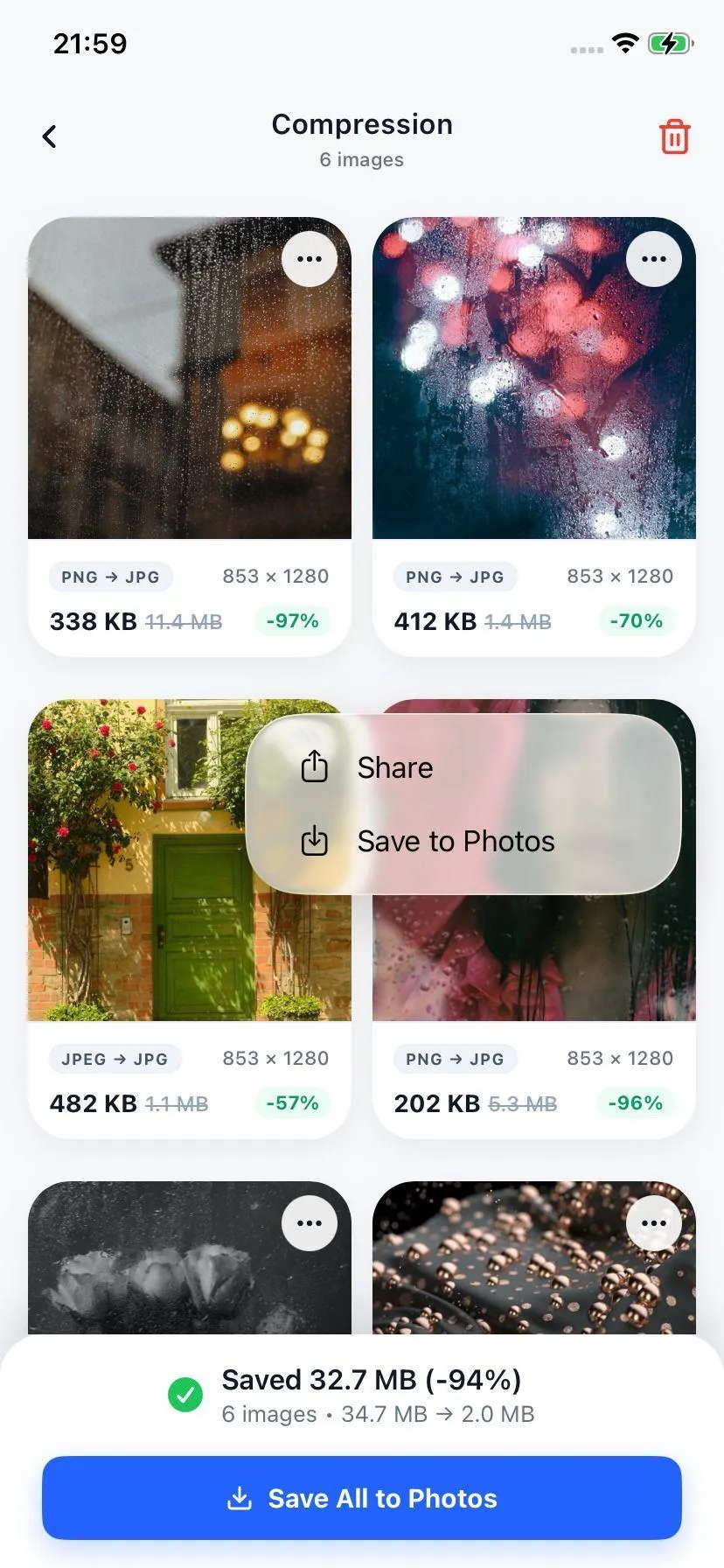
Get optimized files ready for email
Specifications
Universal Image Formats for Email
| Input Format | Optimized Output | Email Compatibility |
|---|---|---|
| HEIC (Apple Camera) | JPEG (Optimized JPG) | 100% Universal (Works on Windows/Android/Web) |
| PNG (Screenshots) | JPEG or WebP | Highly compatible, saves up to 95% space |
| JPEG / JPG | Optimized JPEG | Saves massive space, keeps layout identical |
Your Files Stay on Your Device
We respect your confidentiality. The Compress app executes all media conversion and compression offline on your device processor. None of your document pictures, private photos, or video recordings are uploaded to any server.
FAQ
Common Questions
What is the maximum attachment size limit for email services like Gmail?
Does converting HEIC images to JPG help with email attachments?
Will my photos look blurry after compression?

Ready to compress your media?
Download Compress for free on iOS and Android. Reclaim storage space and speed up sharing with secure on-device optimization.