How to Compress a Video for WhatsApp
Struggling to send a high-resolution video because of WhatsApp size limits? Here is how to shrink it down to send instantly.
Quick Answer
WhatsApp limits video uploads to 64MB, making high-res mobile video recordings impossible to share. To compress a video for WhatsApp, the most straightforward way is using a secure, local app like Compress. Import your video, adjust the output quality slider or decrease the resolution (e.g., from 1080p to 720p). The app displays a real-time size estimate in KB or MB, so you can check that the video is under the 64MB limit before compressing. It runs 100% offline, preserving quality and keeping your files private.
Simple Process
3 Steps to Prepare Videos for WhatsApp
Bypass upload limit warnings in three quick clicks.
Import Video
Open the Compress app and tap the plus icon to choose the video you want to send on WhatsApp from your device library.
Verify Size < 64MB
Adjust the quality slider or lower the resolution until the estimated file size display is safely under 64MB.
Compress & Share
Press compress. The app encodes your video offline. Tap share and choose WhatsApp to send the video to your chats immediately.
App Preview
Visual Guide
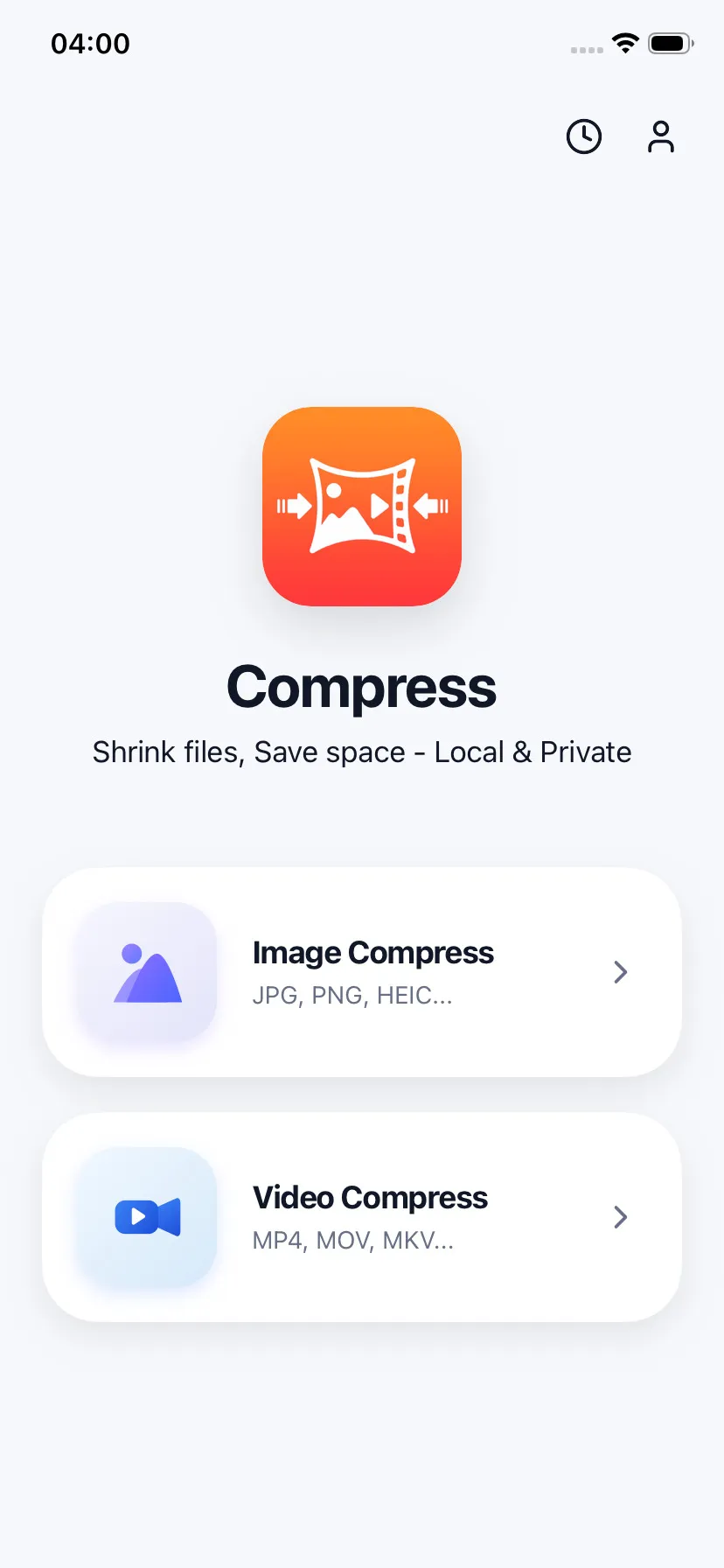
Pick a video from your camera roll
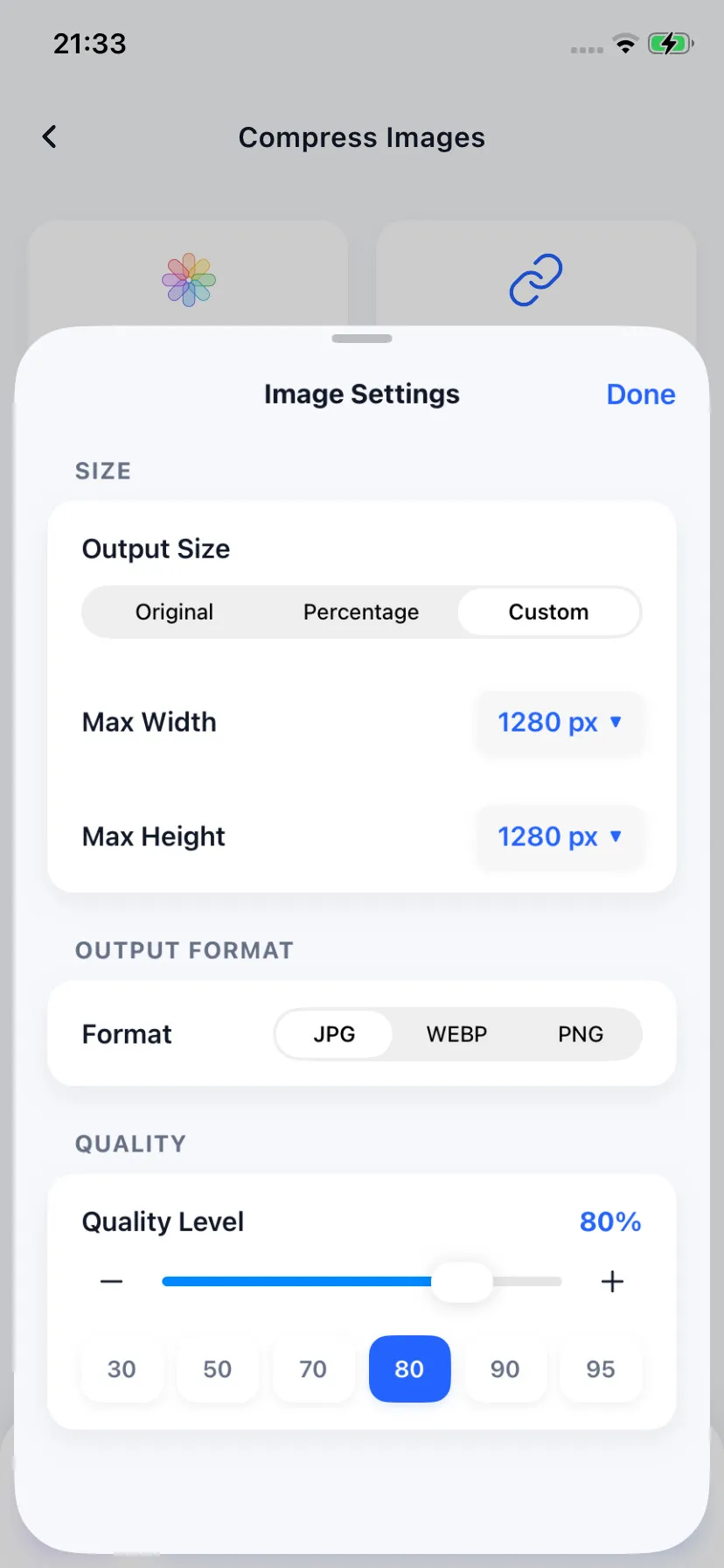
Reduce quality to fit limits
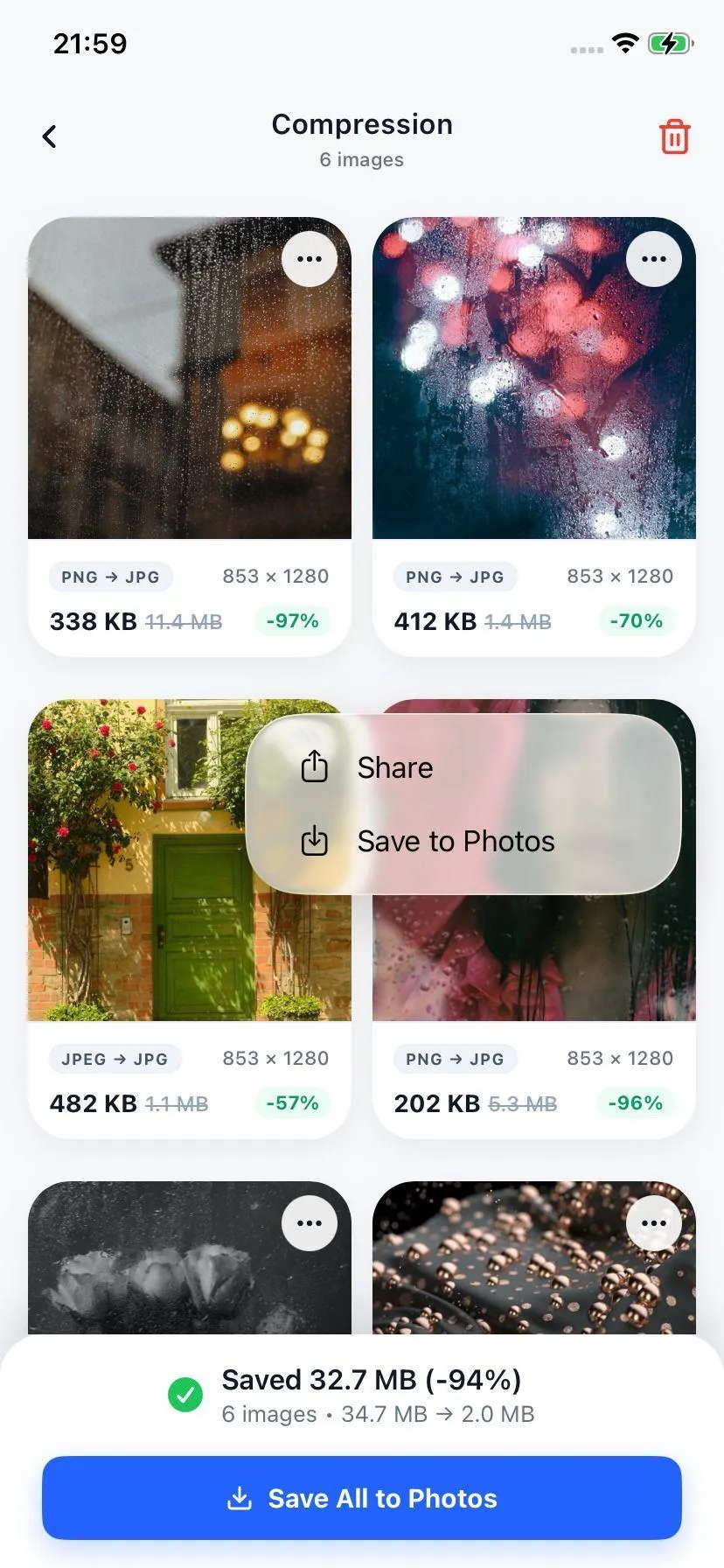
Verify output size and send
Specifications
Formats Compatible with WhatsApp
| Output Format | Supported Codecs | WhatsApp Compatibility |
|---|---|---|
| MP4 (.mp4) | H.264 / AVC | Universal compatibility (Recommended) |
| MOV (.mov) | HEVC / H.265 | Compatible with iOS & Android WhatsApp apps |
Your Files Stay on Your Device
We believe your media should remain yours. The Compress app processes your private chat videos entirely offline. We do not upload your content to servers, protecting your sensitive personal files.
FAQ
Common Questions
What is the maximum video size limit for sharing on WhatsApp?
How do I make a video smaller than 64MB to send on WhatsApp?
Can I compress multiple videos at the same time?

Ready to compress your media?
Download Compress for free on iOS and Android. Reclaim storage space and speed up sharing with secure on-device optimization.